Split CSV into smaller files with headers
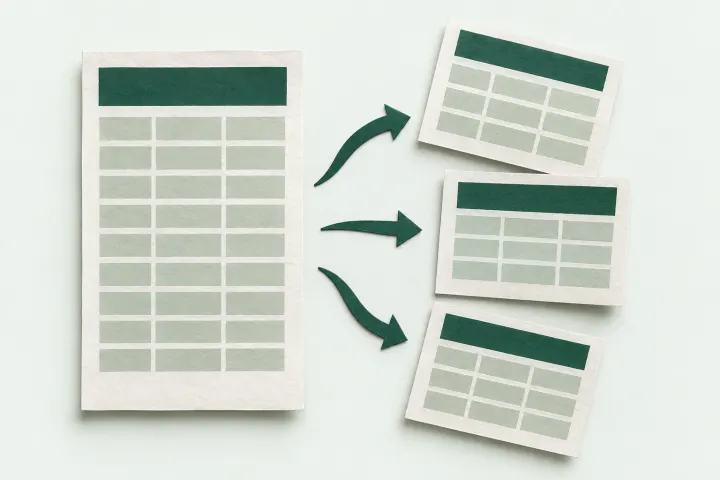
Divide a CSV into smaller files by data-row count. Every part keeps the header, and a line break inside a quoted field stays with its record.
Choose files or try the synthetic example.
Some cells start with characters that a spreadsheet may interpret as formulas, including minus signs. Quoting a CSV cell does not prevent formula execution. Only open files from sources you trust. Values have not been changed.
How to use this tool
- Choose a UTF-8 CSV file and its separator, then select Read columns.
- Enter the number of data rows per file. The header does not count toward that number.
- Split the file, check the part count, then download the individual parts.
Try a small example
The synthetic example has three data rows. Set rows per file to 2. Part 1 contains the header and two rows; part 2 contains the same header and the remaining row. A quoted note spans two lines but still belongs to one row.
What to check before downloading
This tool accepts up to 5 MB, 50,000 data rows and 500,000 cells, and creates at most 100 parts. It does not handle multi-gigabyte exports or split by category. Use a local CSV-aware script for files beyond these limits.
The preview shows the first five data rows and eight columns, with cells shortened to 120 characters. Downloads contain the full result. Output uses UTF-8, commas, quoted fields and CRLF record endings. Your original files stay unchanged.
Why not split at every line break?
CSV fields can contain quoted line breaks. Splitting raw text at each newline can separate a note from its record. This tool parses records first, then repeats the header in each part.
Will Excel keep my leading zeros?
These tools preserve text such as 001 and long identifiers in the downloaded CSV. A spreadsheet can still convert them when opening it. Import identifier columns as text. A CSV cannot restore digits that were already lost.
Related tools and guides
- Merge CSV files online by column name
- Remove CSV duplicates by selected columns
- Identify the separator before importing a CSV
- CSV import troubleshooting guides
Sources
- RFC 4180: CSV quoting and record structure
- Microsoft: leading zeros and large numbers
- OWASP: spreadsheet formula interpretation in CSV files
Testing notes
Automated JavaScript tests cover quoted fields, embedded line breaks, Unicode, malformed records, column matching and output row counts. The tools operate on CSV text. They do not test Excel or Google Sheets import behavior.